01
Device fingerprint
Authentic device identifiers, lens specs (LensMake, LensModel, FocalLength, FNumber), exposure pair (ISO, ExposureTime, ShutterSpeed, Aperture). The FFmpeg encoder signature that normally betrays a re-mux is scrubbed.
MFL Studio
How it works
Every platform fingerprints uploads — perceptual hashes, codec entropy, EXIF chains, container quirks. MFL mutates each file along all of those axes simultaneously, randomized within tunable ranges. Same content, different fingerprint. Every variant the engine emits is mathematically distinct.
Live demo
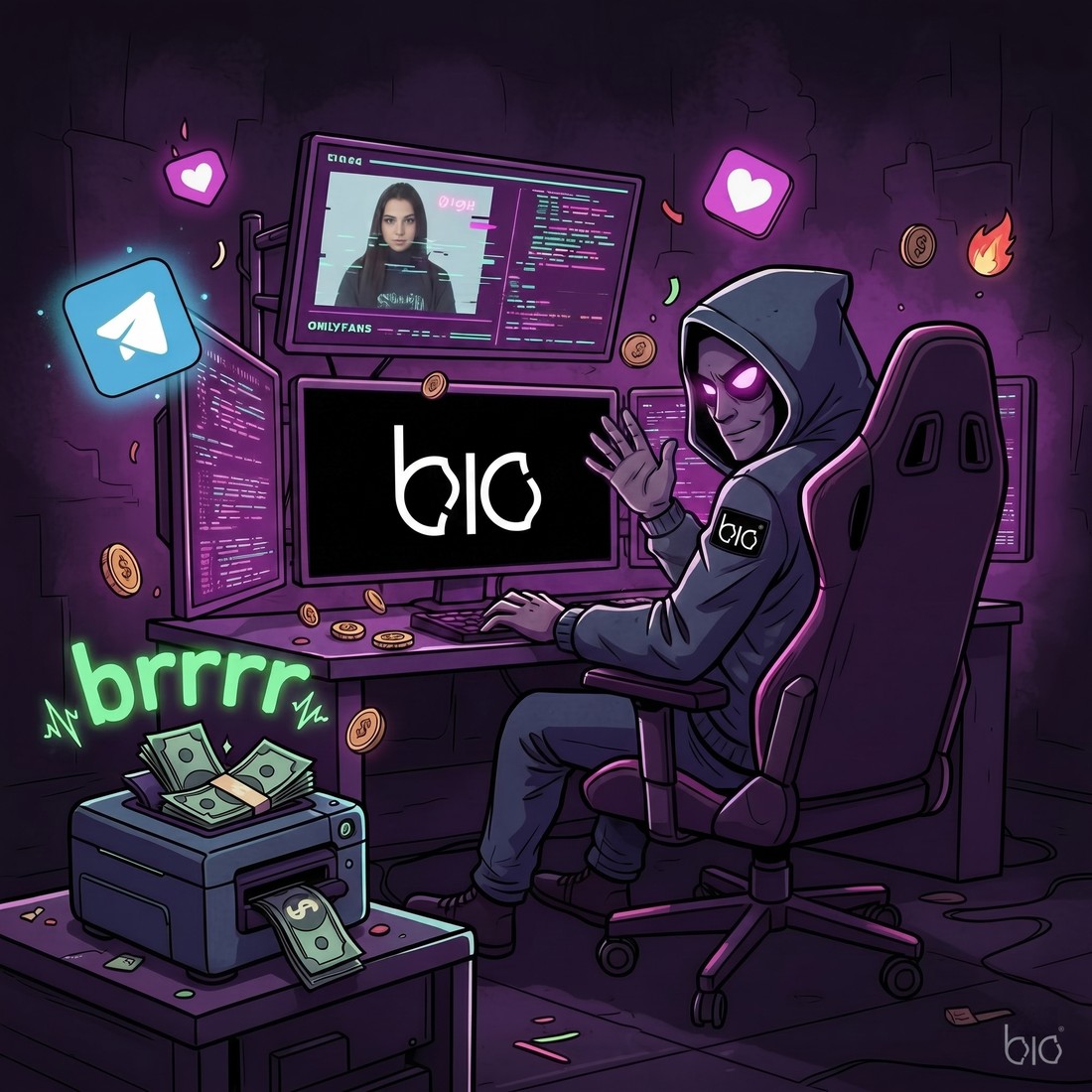
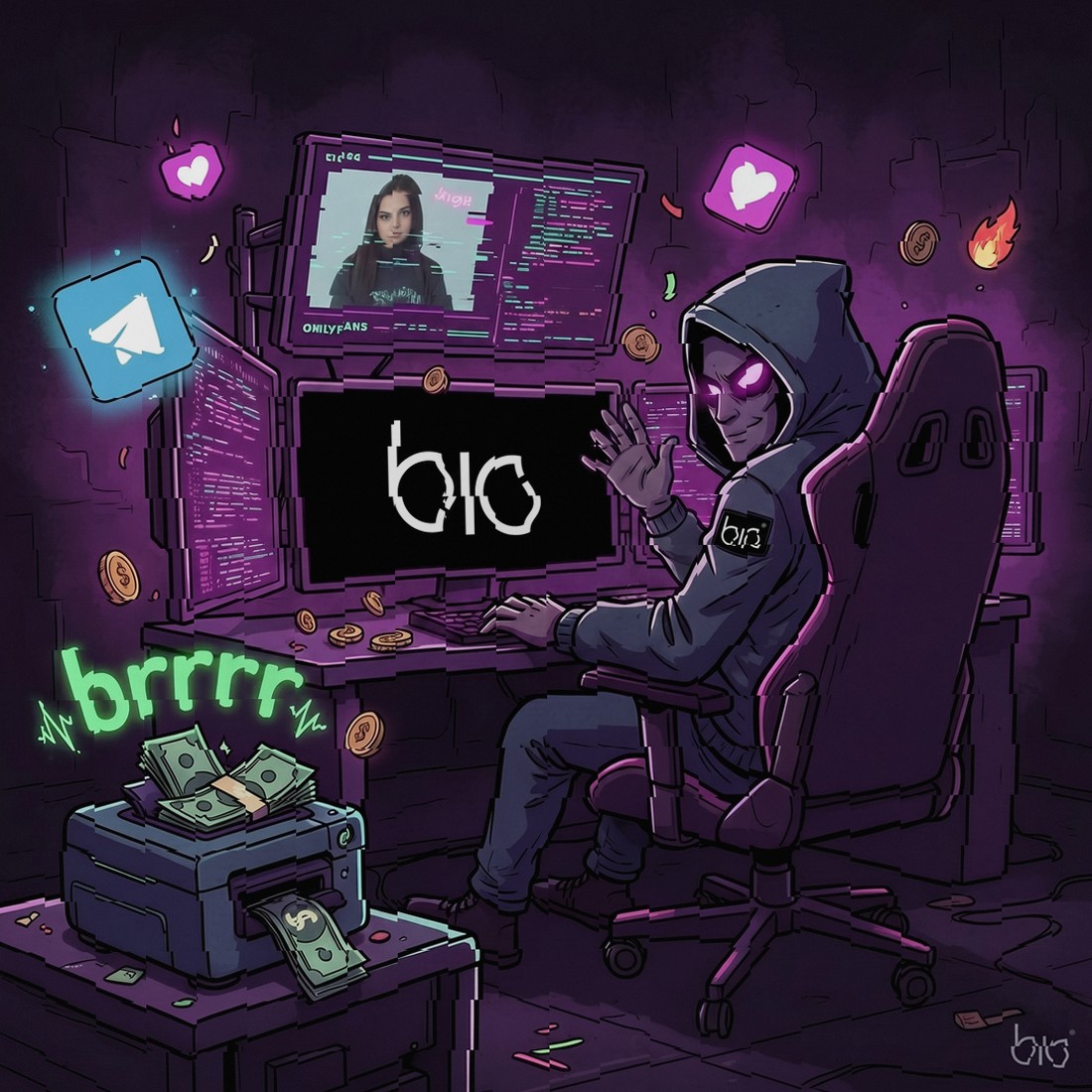
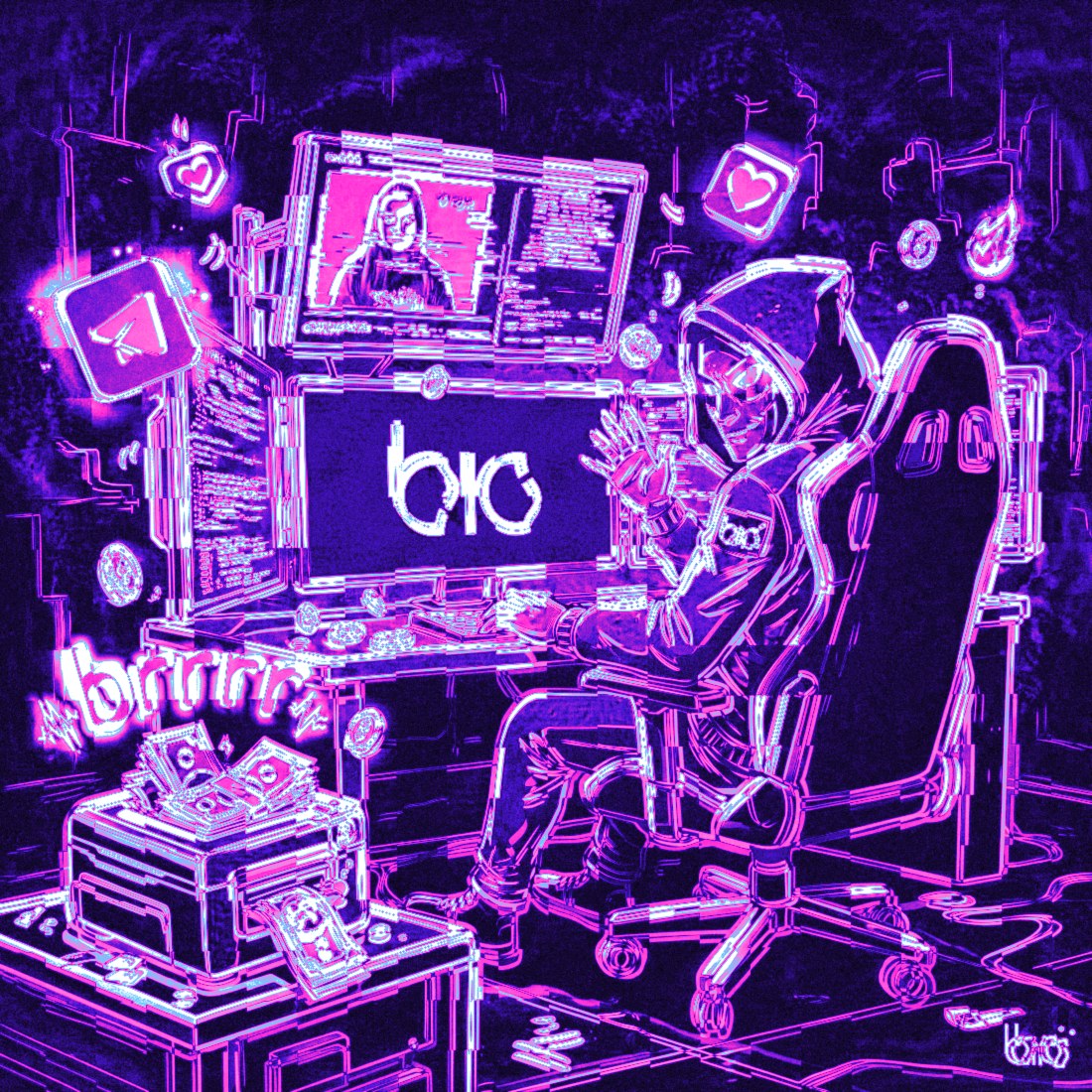
Drag the handle to compare original ↔ MFL output. Switch to the amplified delta to see the actual rewrite — every pixel that moved, painted into a heatmap.
 original
MFL
amplified delta · ×7
original
MFL
amplified delta · ×7
Pixels rewritten
96.7%
Out of 1.21 M pixels, fewer than 4% are byte-identical to the source.
Mean intensity Δ
6.3%
Per-pixel drift — sits inside JPEG quantization noise. Visually identical.
Perceptual hash Δ
18 bits
dHash-16 distance — past the typical duplicate threshold by an order of magnitude.
01
Layer 01 · metadata
Hidden fields rewritten to read like a fresh iPhone capture — device, lens, GPS, exposure, sub-second timestamps. The chain is internally coherent, not patched.
device · iPhone 17 Pro · iOS 26.201
Authentic device identifiers, lens specs (LensMake, LensModel, FocalLength, FNumber), exposure pair (ISO, ExposureTime, ShutterSpeed, Aperture). The FFmpeg encoder signature that normally betrays a re-mux is scrubbed.
02
Coordinates inside the continental US. Altitude 10–310 m. Walking-pace speed 0–5 km/h. Compass heading 0–360°, plus bearing and horizontal accuracy. Same shape an iPhone writes when it actually captures.
03
CreationDate, ModificationDate and SubSecTime are randomized down to the millisecond — making every file numerically unique. OffsetTime is auto-aligned to the GPS region for internal coherence.
04
Original EXIF is stripped completely. Forty-plus genuine iPhone fields are written back: lens block, exposure block, GPS block, sub-second timestamps. Each variant in a batch gets its own randomized values.
Heads-up — disabling iPhone metadata doesn't fall back to the source's data. It wipes the file clean. No identifying fields, period. Useful when you want the variant to carry no story at all.
02
Layer 02 · pixels
Detection systems lean on perceptual hashes (pHash, dHash) and feature descriptors to spot near-duplicates. The pixel layer is a stack of small, deliberately invisible operations — each one designed to break a specific class of those systems.
| Filter | Defeats | How |
|---|---|---|
|
Pixel shift |
pHash · dHash |
Every pixel displaced by a 2D diagonal sin/cos field. Imperceptible to the eye, fatal to perceptual hashing. The single most effective filter in the stack. |
|
Lens curvature |
spatial hashing |
Micro-rotation paired with subtle barrel/pincushion distortion. Mimics the optical signature of a different physical lens; every coordinate moves. |
|
Color grade |
color histograms |
Small drifts on saturation, contrast, brightness, gamma and hue. No quality cost, no visible change — but the histogram fingerprint is gone. |
|
Vignette |
luminance gradients |
Soft edge darkening with a randomized intensity each pass. Modifies peripheral luminance without touching the subject. |
|
Unsharp mask |
SIFT · SURF keypoints |
Edge sharpness rewritten across a 5×5 matrix. Disrupts the keypoint detection that classical feature matchers depend on. |
|
RGB cross-mix |
channel histograms |
Red bleeds into Blue, Blue bleeds into Red. Each copy ends up with its own channel profile — unmatchable across siblings. |
|
Grain |
pixel-level hashing |
Imperceptible noise injected across the frame. Every pixel gets a unique value, which fundamentally rewrites the file's mathematical hash. |
|
Zoom · crop · scale |
frame-bounded hashes |
Light zoom recadrage, independent crops on each edge, and a 95–100% rescale. Frame dimensions and crop boundaries shift per copy. |
|
Perspective |
neural copy detectors |
Keystone narrowing on one edge — the geometric signature of a different camera angle. Effective against neural duplicate-detection embeddings. |
|
Aspect ratio |
ratio-keyed detectors |
Tiny stretch or compression on one axis. Frame proportions drift, defeating any detector that keys off aspect. |
|
Wave warp |
global descriptors |
A smooth wave-like warp across the image, with a unique pattern per copy. Hard for any matcher to bridge two siblings. Advanced mode. |
|
Mirror |
directional hashes |
Full horizontal flip, or alternating-flip every second file. Any hash that encodes left/right orientation is rewritten. |
|
Border treatment |
edge fingerprints |
Blurred border with random strength between 8 and 40. Rewrites the frame edges and adds a depth-of-field accent. |
Video-only
Video carries fingerprints stills don't have. Frame timing, encoder signature, audio waveform — all of them feed detection. The engine treats each as an additional surface to move.
|
Speed |
Sub-percent playback drift |
|
|
Frame rate |
FPS shifted off the canonical value |
|
|
Audio |
Volume nudge, or full strip |
|
|
Re-encode |
Per-copy CRF — a unique encoder signature for every variant |
|
|
Trim |
Optional start/end cutoff |
|
|
Resolution |
Dimension rewrite |
03
Layer 03 · adversarial
The engine runs real models against your file and computes pixel-level perturbations that confuse the same neural architectures the platforms run. The image stays, to your eyes, the image. The embedding it produces inside a detection model — that's a different file.
Each image is fed through an ensemble — CNN backbones plus a Vision Transformer — and the optimizer searches for the smallest pixel delta that maximally moves the image's embedding. Output looks identical at full zoom; the model output is unrecognizable.
The engine derives one optimized perturbation from a sample of representative frames, then applies it to every frame in a fast second pass. Same models as stills. Same protection envelope. Seconds instead of hours.
Perceptual hashes (pHash, dHash) and deep embeddings (SimSearchNet, SSCD) used to flag near-duplicates.
Face descriptor pipelines — both 128-d and 512-d embeddings. Faces still read as faces; the descriptors don't match.
The feature vectors that index visual search engines, so the modified copy can't be traced back to the original.
Per-pixel deltas typically sit between 2% and 6% — inside JPEG compression noise. Even side-by-side, you won't spot it.
Protection tiers
cost · speed · ceiling
| Tier | Time | Sweet spot | Ceiling |
|---|---|---|---|
|
Basic
|
2–5 s | Perceptual hashing, casual duplicate checks | Good |
|
Quality
recommended
|
8–15 s | Dating apps, social, reverse-image search (SSCD) | Excellent |
|
Advanced
|
15–30 s | High-security platforms, advanced face recognition | Maximum |
|
Ultra
|
40–90 s | KYC, identity verification, extreme adversaries | Overkill |
Why Quality is the default — same six models as Advanced (SSCD, EfficientNet-B0, DINOv2 ViT, plus two face networks), but with parameters tuned for visible quality first. Excellent protection without the perturbation creeping into view. Reach for Advanced or Ultra when the adversary is specifically a face- or KYC-grade detector.
On your account — Free runs the fast CPU pass; the GPU tiers above unlock on Pro and Studio.
Tested against
The engine is calibrated against the public detection behaviour of each. Treat the list as the primary surface — it isn't an exhaustive bypass guarantee, since detection moves.
Three ways to drive it
Pick files, hit start. The engine randomizes everything inside its own optimal envelope. No knobs, no presets, no thinking. The right mode for quick batch work.
Every parameter is exposed, every range editable. Build a preset, save it, reuse it across batches. The right mode when you know exactly what you're tuning for.
Drive the whole pipeline from your own code. POST files, poll the batch, pull variants — or register a webhook to get pinged on completion. Token-authenticated, on Pro and Studio.
Who actually uses this
Push the same content across multiple platforms without their duplicate-detection systems collapsing it into a single piece of content.
Spin up many micro-different variants of one creative and run them in parallel, without polluting attribution.
Maintain mirror profiles across platforms without raising the similarity flags that get accounts soft-banned.
Send the same source asset to multiple clients with a unique fingerprint per client — no shared lineage.
Platform playbooks
where platforms dedup hardest
Creator economy
Social feeds
Marketplaces & ads
Identity & repurposing
Multi-account posting · perceptual-hash break · shadowban-recovery reuploads · cross-platform watermark variation · reverse-image-search defense
Per-copy guarantee
No two files the engine emits are the same — at the byte level. Combine the metadata permutation space with the visual filter randomization and you land in a region where collisions are statistically impossible.
1040
More variants than there are atoms in the solar system.
Timestamps
Date · time · sub-second, all rolled per file
GPS
Distinct coordinates, ~1 km variance
Pixels
Every visual filter samples its own RNG
Encoding
Re-encode in CRF mode → unique encoder signature
Quality preserved by ordering: crops execute first on full-resolution input, scale runs last. The pipeline is laid out to maximize anti-detection while minimizing the visible quality cost.
Operator's notes
01
Metadata-only is cheap to defeat on TikTok and Instagram — they hash the pixels too. Stack the visual filters on top whenever you're uploading to a platform with serious duplicate detection.
02
Bump copies-per-file to generate many distinct versions of the same asset in one run. Each one walks a different point in the randomization space — none of them share a fingerprint.
03
Before pushing a batch live, run the analyzer on the original and the variant. Aim for a LOW risk score. If it's borderline, raise the tier or enable an extra filter.
04
The Add Input/Output Pair button lets you queue several folder pairs in one job. Useful for distributing one source library across several output destinations in a single batch.
Common questions
Platforms fingerprint every upload and compare it against everything they have already seen. They use perceptual hashes (pHash, dHash, PDQ) that survive resizing and re-compression, deep embeddings (such as SSCD and SimSearchNet) that match content semantically, plus EXIF chains, container quirks and audio fingerprints. If a new upload lands too close to an existing fingerprint it is flagged as a near-duplicate.
MFL Studio mutates a file along every axis a detector measures at once: it rewrites the metadata, applies a stack of sub-perceptual pixel operations (pixel shift, lens curvature, colour grade, grain, crop and scale), and can run a neural perturbation pass. The result looks identical to your eye but produces a different perceptual hash and a different embedding, so it no longer matches the original.
A perceptual hash is a short fingerprint derived from the visual content of an image or video frame, designed so that two visually similar files produce similar hashes. Detectors compare the Hamming distance between hashes; below a threshold the files are treated as duplicates. MFL pushes that distance well past the threshold while keeping the file visually unchanged.
No visible loss. The per-pixel difference typically sits between 2% and 6%, which is inside normal JPEG quantization noise, and the pipeline is ordered to protect quality — crops run first on full-resolution input and scaling runs last. Side by side, the variant looks like the original.
The engine is calibrated against the public detection behaviour of the major platforms, but detection systems change, so it is not an absolute guarantee. Use the built-in Risk Analyzer to score a variant against the original (perceptual-hash distance, SSIM fidelity and audio-fingerprint match) before you post, and raise the protection tier if the score is borderline.
Yes. Set copies-per-file and the engine fans one source into that many variants in a single batch, each sampling its own randomization so no two share a fingerprint. Free allows up to 10 copies per file, Pro up to 50 and Studio up to 200.
Video: MP4, MOV, WebM, MKV and AVI. Images: JPG, PNG, WebP and HEIC. You can upload files directly, or paste Instagram and TikTok links to pull the source video automatically (on paid plans).
Yes. Pro and Studio plans expose a token-authenticated REST API: POST files to the spoof endpoint, poll the batch, pull the variants, or register a signed webhook to be notified on completion. You can pass a saved preset id to reuse a configuration.
The original EXIF is stripped completely, then a coherent "shot on an iPhone" identity is written back — device and lens, US GPS coordinates, exposure values and sub-second timestamps — randomized per variant so the chain reads like a genuine fresh capture rather than a re-export. You can also choose to wipe metadata entirely instead.
Need a tuned preset?
Tune every filter, range and metadata field — then save it as a preset to reuse across batches. Build it in the engine.